 Sudharsan Ananth
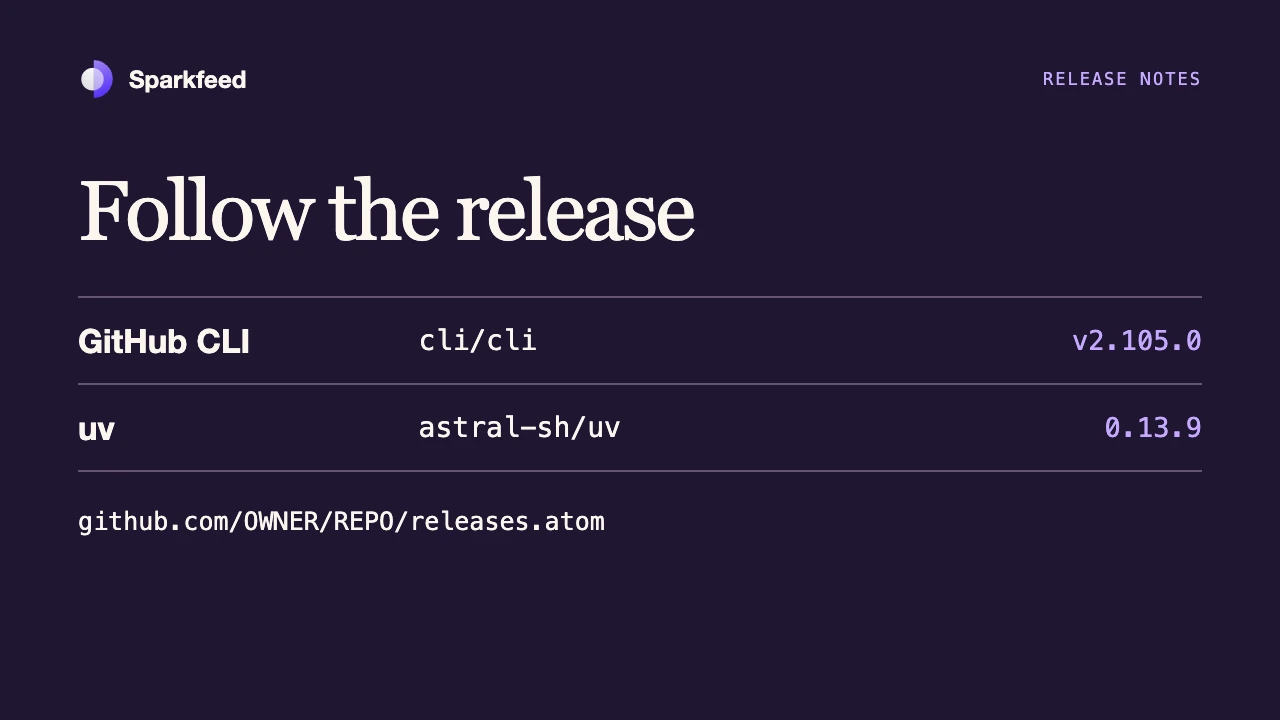
Use https://github.com/OWNER/REPO/releases.atom to follow releases from a public GitHub repository. This URL returns Atom XML, which many RSS readers accept alongside RSS feeds. It tracks published releases and their notes, not every commit or Git tag.
For example, follow GitHub CLI releases and uv releases. In Sparkfeed, add both feeds and place them in a folder. Export that folder as OPML to share the list or move it to another reader.

Sparkable makes Sparkfeed. We checked these public feeds and the Sparkfeed workflow on November 23, 2026. At that time, the GitHub CLI feed included version 2.105.0, and the uv feed included version 0.13.9. Feed contents change as maintainers publish releases.
Build a GitHub releases feed URL
Append .atom to the repository’s Releases page URL:
https://github.com/OWNER/REPO/releases.atomFor example, https://github.com/cli/cli/releases.atom follows the GitHub CLI Releases page. The feed’s entry links back to its release page, where you can read notes, check assets, and see whether a version is marked as a prerelease.
Which URL you add depends on what you want to hear about. These three examples follow the same repository.
| If you want to follow… | Subscribe to | What you’ll see |
|---|---|---|
| Version announcements | CLI releases | Releases maintainers publish, with their notes |
| Version markers | CLI tags | Git tags, including tags without release notes |
| Development between releases | CLI commits | Changes on the default branch |
A tag identifies a point in the repository’s history. Maintainers can turn a tag into a release and attach binaries or write upgrade instructions. If you use the software and want to know what changed, start with releases. How GitHub releases work
Prereleases can appear in a release feed. On November 23, 2026, v8.4.0-beta.1 appeared in vitejs/vite/releases.atom. Check the linked GitHub page before treating an entry as a stable release.
Follow the feeds in Sparkfeed
- In Sources, create a folder named Release notes if you want to keep project updates together.
- Select Add Feed. On the Website tab, paste
https://github.com/cli/cli/releases.atomand select Find. - Select the detected feed. Choose Release notes under Add to and add the selected source. If it says Already added, open the existing subscription.
- Repeat with
https://github.com/astral-sh/uv/releases.atom. Open an entry and use its source link to compare the version with the release on GitHub.
In our test workspace, the entry for GitHub CLI 2.105.0 included a preview of gh event. The notes showed how a script could wait for a pull request review instead of polling for one. Open the source link on the entry to check the example against the original 2.105.0 release notes.
We exported the Release notes folder as OPML and confirmed it contains exactly the GitHub CLI and uv feed URLs. Download the GitHub release feeds OPML file to import the same list into a reader that supports Atom. OPML carries feed addresses and folder names, not saved articles or release history. See the Sparkfeed OPML walkthrough for import previews and folder exports.
When the feed is empty
An empty release feed may mean the repository has no published GitHub releases. Maintainers can push tags or update a changelog without creating a release. Check the repository’s Releases page first. If it has releases but your reader shows none, confirm the URL ends in /releases.atom and refresh the feed.
If you want tags or commits instead, use the repository’s corresponding page and feed. Those streams report different activity and can be much noisier. A quiet release feed also does not prove that a project is inactive; check its repository or documentation for the kind of activity you need.
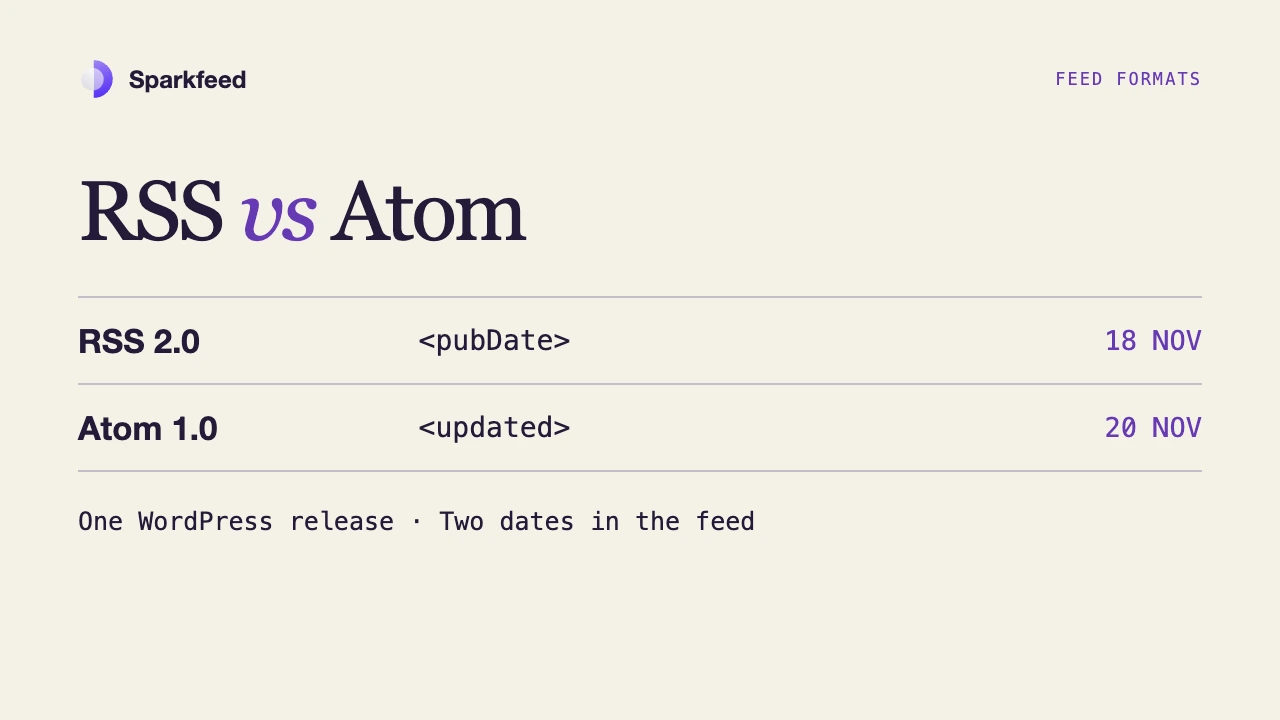
The browser may display the .atom address as XML or offer to download it. That is expected: Atom is an XML format. Copy the URL into your reader to subscribe. For a short explanation of how feed formats work together, see RSS vs. Atom.
Frequently Asked Questions
01Does GitHub have an RSS feed for releases?
GitHub provides an Atom feed at https://github.com/OWNER/REPO/releases.atom. Many readers that support RSS also accept Atom.
02Does the feed include prereleases?
It can. Vite’s v8.4.0-beta.1 appeared in its release feed on November 23, 2026. Check the linked release page for the prerelease label.
03Can I share release feeds with OPML?
Yes. Export a folder containing the feed URLs, then import the OPML file in a reader that supports Atom. Sparkfeed’s OPML guide explains folder exports.