

SparkFeed

Media & publishing

Follow the beat.
Find the wider story.

Keep public reporting and official updates in one reading routine. Return to the original source as a story takes shape.

A letterpress forme and rolled newsprint on pale blue and textured paper, with a small coral proofreader's mark.
What to follow

Add the sources behind each beat.

Keep public coverage and primary sources in the same reading routine.

Trade reporting

Keep specialist publications and local outlets close to the beats you cover.

Public records

Read notices, meeting minutes, and official statements at the source.

Research sources

Follow public studies and expert organizations for useful background.

A better reading routine

From a signal to a reporting question.

Start with the original. Add context before you choose an angle.
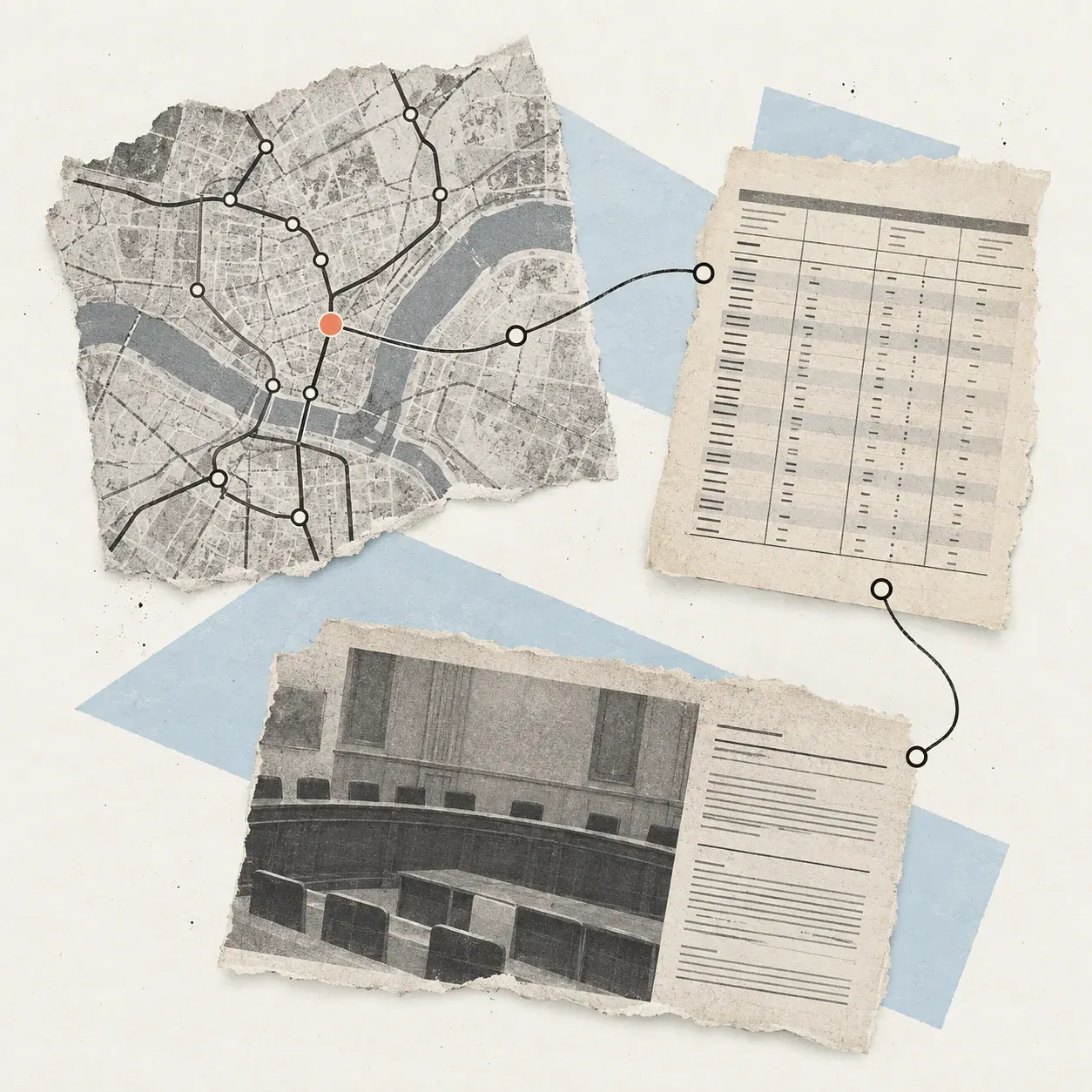
A city transit map, timetable, and public records linked by an editorial route mark on textured paper.

Watch a beat from several angles.

Add publications with a feed, or test a supported public page. Group sources into folders by topic or desk. Coverage depends on what each site publishes.

  • Trade reporting and local outlets
  • Notices and official statements
  • Public research and specialist sources
Choose your sources

Keep the original close.

Open a promising article at its source. Save it to Favorites for another read, then compare its reporting with the public record and the questions your desk still needs to answer.

Beat foldersArticle Favorites
Explore a reporting question
A public record in a pale-blue folder, with one passage marked in coral for review.

See the idea in practice

Follow the story
beyond the notice.

A fictional transit pilot brings an agency notice, rider perspectives, and a public record into one reporting view.

Portside Transit pilotFictional story file
Portside Transit · Public notice

Route 8 adds a final late-night trip in July

A fictional notice outlines a six-month pilot and lists a departure time.

Adds to the picture

The schedule gives the stated change and its start date.

Next reporting question

Does the updated timetable confirm every stop and connection?

Make it a habit

A clear path
from source to story.

  1. Choose an editorial beat

    Start with a topic and the questions your desk follows.

  2. Add public sources

    Follow feeds and check that supported pages return useful items.

  3. Read the original

    Open promising articles and save selected links to Favorites.

  4. Develop the angle

    Compare context, verify claims, and decide what merits a story.

A clear fit

Public sources for editorial research.

Collect and organize material around a beat. Editors still verify claims, choose the angle, and publish in their newsroom tools.

01Which sources can an editorial team follow?
Follow RSS or Atom feeds and test supported public webpages as sources. What appears depends on each publication's feed or page.
02Can we group research by beat?
Yes. Place sources in folders by beat or desk, and save individual articles to Favorites for another read.
03Does Sparkfeed verify reporting or facts?
No. Open the original source, check claims against suitable evidence, and make the editorial call in your newsroom.
04Can Sparkfeed write, approve, or publish a story?
No. Sparkfeed is for reading and organizing sources. Draft, review, approve, and publish stories in your own editorial workflow.
05How should a newsroom start?
Pick one beat and a few public sources. Check that they return the material your team wants to follow. Explore the live demo.