

Consider Sparkfeed when…
- You want feeds and supported website articles in one organized collection.
- You need a shared source workspace alongside your personal reading.
- You want self-hosting or workspace access through API and MCP.
Feedly alternative
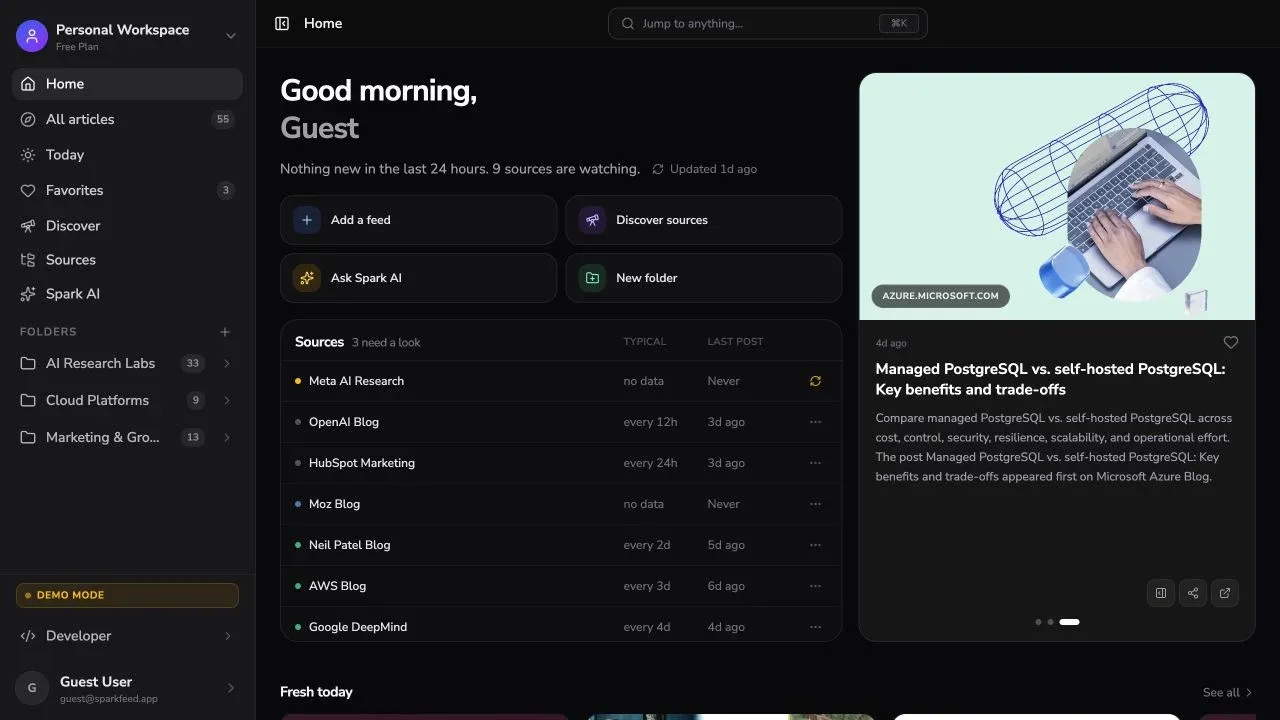
Sparkfeed is an RSS reader with unlimited feeds and folders on its free plan. Follow sources, organize articles, and add a team workspace when you need one.
By Sparkfeed · Reviewed October 1, 2026
| Your requirement | Sparkfeed | Feedly |
|---|---|---|
| Sources | RSS, Atom, and supported website listings without feeds. Site restrictions can limit collection. | RSS reading is available on Free. Pro+ adds newsletters, Google News feeds, and RSS Builder. |
| Organization & saved reading | Folders for sources and Favorites for articles you want to revisit. | Feeds and Boards, with notes and highlights for saved articles. |
| Shared workspaces | Pro provides shared sources and folders, member invitations, and roles. Personal workspaces stay separate. | Enterprise lists team feeds and boards. Contact Feedly for its current team offer. |
| API & MCP | Official API and MCP support is built in on Personal+ and Pro. Keys control workspace access and permitted actions. | Enterprise lists API access. Official MCP serves Threat Intelligence. Community MCP integrations connect to the RSS reader using API tokens. |
| Hosting & control | Use the hosted service or run the AGPL Community Edition. Self-hosting includes operating and maintaining the service. | A hosted service managed by Feedly. |
| Mobile reading | Read in a mobile browser. | Dedicated iOS and Android apps, as well as the web reader. |
| Moving your collection | Add existing feed URLs, including several at once. Keep saved articles and other Feedly-specific data separately when you move. | OPML exports public RSS subscriptions. Boards, Read Later articles, AI Feeds, and Reddit feeds are excluded. |
| Requirement | Sparkfeed | Feedly |
|---|---|---|
| RSS & Atom | ✓ | ✓ |
| Free feed limit | Unlimited | 100 feeds |
| Free folders | Unlimited | 3 folders |
| Websites without RSS | 5 on Free; 50 on Personal+ | RSS Builder · Pro+ |
| Save articles | ✓ Favorites | ✓ Boards & Read Later |
| Shared sources | ✓ Pro | ✓ Enterprise |
| API access | ✓ Personal+ | ✓ Enterprise |
| MCP access | ✓ Official, built in · Personal+ | Community integrations for RSS |
| Self-hosting | ✓ Community + hosted service | × No self-hosting · Hosted service |
| Mobile reading | Mobile browser | iOS, Android & web |
| Move subscriptions | Paste feed URLs | OPML export |
Notes. Ticks indicate availability on the named plan. Feedly’s official MCP connects to Threat Intelligence; RSS-reader integrations are community-built and require API access. Self-hosting refers to running the reader yourself.
References: Feedly News Reader, Team Feeds, RSS Builder, Feedly API, Feedly official MCP, community RSS MCP, and Sparkfeed source.
Bring RSS feeds and supported website listings into one collection. Open an article in the reader or follow its original link.
Group publications by topic so you can return to the sources that matter to your work.
See how website sources work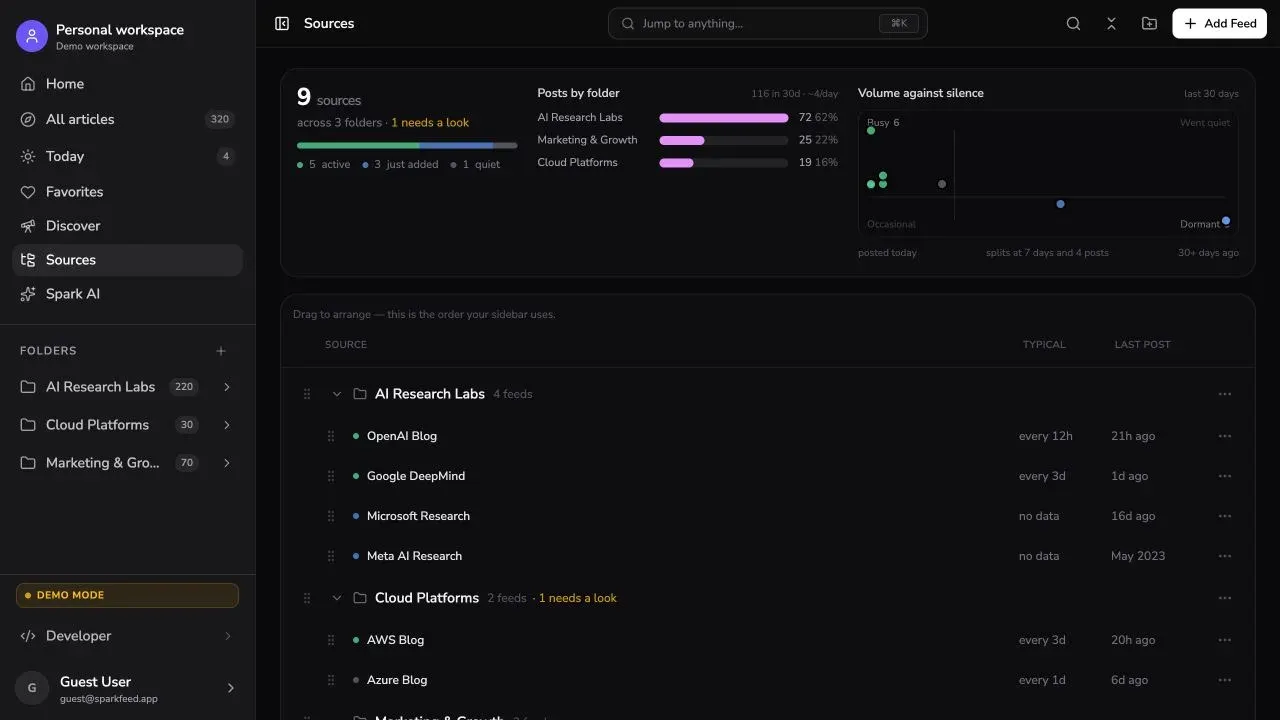

Give a team one place for its sources and folders. Use a Pro workspace for shared reading, and keep personal interests in your own workspace.
Explore team workspacesRead in the browser or connect tools to your workspace. Hosted API and MCP access starts with Personal+. The Community Edition lets you run Sparkfeed yourself.
Explore API and MCPPlus 5 active websites without RSS.
Billed annually at $48. Includes API and MCP access and 50 active no-RSS sources.
Billed annually at $96 per member. Shared workspaces for up to 10 paid members.
Feed limits increase on paid plans.
Billed annually. Includes 1,000 feeds, search, notes, and highlights.
First-year offer, billed annually. The shown regular rate is $12.37 / month. Includes up to 2,500 feeds and RSS Builder.
Enterprise: contact sales for team feeds, boards, and API access.
USD. Paid plans are billed annually. Feedly Pro+ includes a first-year offer. Plans include different features.
List essential feeds, folders, and saved articles. Preserve Boards, notes, highlights, and reading history separately where possible.
Add a representative group of feed URLs to Sparkfeed. Organize them into folders. Include any websites without RSS that you depend on.
Check new articles, source links, and phone layouts. For a team, test member access. Keep Feedly available until the new setup meets your needs.
Try a few familiar sources. Decide whether the reader, workspace, and hosting options fit the way you work.
Published by Sparkfeed. Reviewed October 1, 2026 using official Feedly documentation, a Feedly pricing capture, and Sparkfeed’s application and plan configuration. Paid Feedly workflows and a full library migration were not tested. Paid prices use annual billing; Feedly Pro+ shows a first-year offer. Self-hosting has separate server and maintenance costs.