

Consider Sparkfeed when…
- You want shared source folders for a team as well as your personal reading.
- You need an official MCP tied to workspace access and actions.
- You collect article links from supported listings instead of monitoring page changes.
NewsBlur alternative
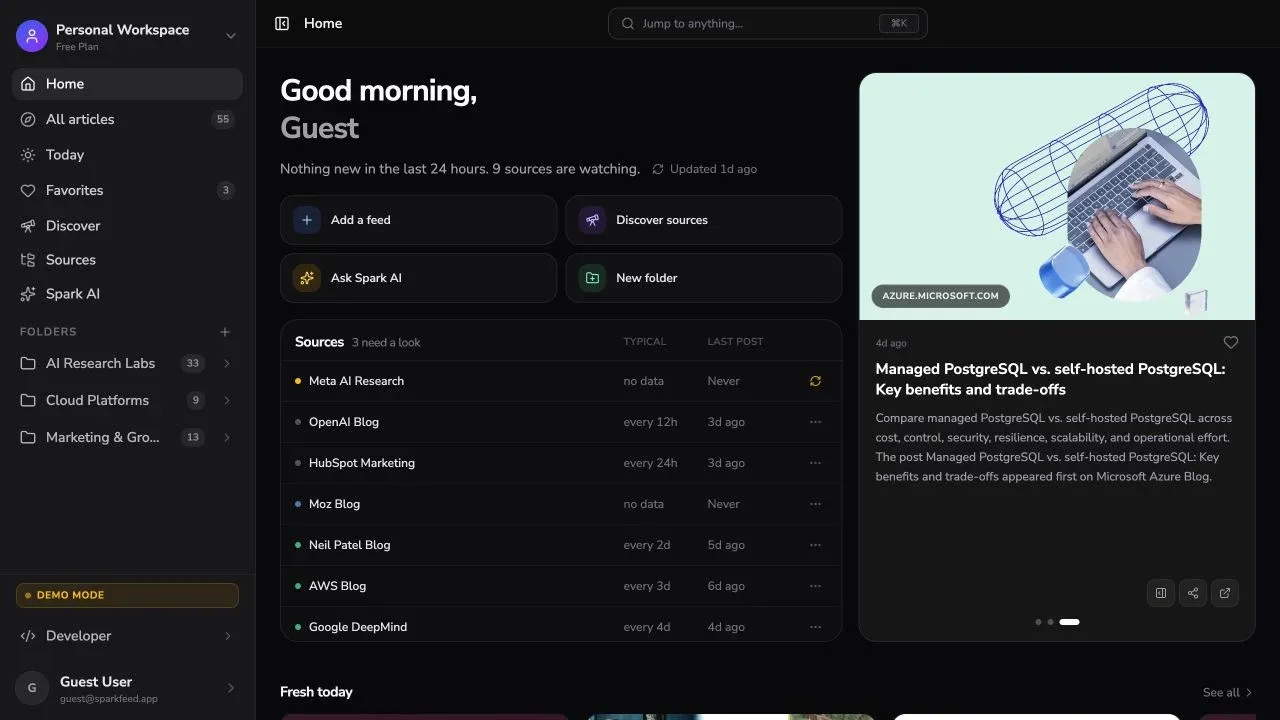
Sparkfeed brings RSS feeds and supported website articles into one collection. Free includes unlimited feeds and folders. Pro adds a shared workspace for team sources.
By Sparkfeed · Reviewed October 1, 2026
| Your requirement | Sparkfeed | NewsBlur |
|---|---|---|
| Feeds and websites | Unlimited RSS and Atom feeds. Free includes 5 active website sources without RSS; Personal+ includes 50. Website collection depends on supported article listings. | Free follows up to 64 sites. Premium Archive adds Web Feeds that track page changes on public websites; Premium Archive and Pro are required. |
| Folders and saved stories | Organize sources into folders and save articles to Favorites. | Organize subscriptions into folders. Save stories on every plan; Premium adds searchable tags. |
| Story training | No reader-training controls for liking or hiding stories. | Train by author, tag, or title on Free. Premium Archive adds full-text training and AI features. |
| Shared reading | Pro workspaces share sources and folders with invited members and roles. | Share stories to a Blurblog and follow friends. This shares selected stories, not a team source workspace. |
| API and MCP | The official API and MCP are available on Personal+ and Pro. Workspace keys scope access and actions. | NewsBlur publishes an API. Its pricing page lists an MCP server and CLI with Premium Archive. |
| Mobile reading | Use the web reader in a mobile browser. | Use the web reader or native iOS and Android apps. |
| Hosting and transfer | Run the AGPL Community Edition yourself, or use hosted Sparkfeed. Add feed URLs to start a collection; a full NewsBlur data transfer is not verified. | NewsBlur is open source and self-hostable. It supports OPML import and export for subscriptions and folders. |
| Requirement | Sparkfeed | NewsBlur |
|---|---|---|
| Free RSS sites | Unlimited feeds | 64 sites |
| Free folders | Unlimited | Folders supported |
| Websites without RSS | 5 on Free; 50 on Personal+ | Web Feeds on Archive or Pro |
| Story training | No reader training | Free: author, tag, title |
| Shared workspace | Pro: sources and folders | Blurblog: shared stories |
| Official MCP | Personal+ and Pro | Premium Archive |
| Native mobile apps | Mobile browser | iOS and Android |
| Self-hosting | AGPL Community Edition | Open-source repository |
Notes. NewsBlur Web Feeds monitor page changes. Sparkfeed collects published article links from supported listings. A NewsBlur Blurblog shares stories and comments; it is not a shared source workspace.
References: NewsBlur plans,features and plan labels,Web Feeds,NewsBlur FAQ,NewsBlur API,NewsBlur source, andSparkfeed source.
Put team sources and folders in a Pro workspace. Invite members and set their roles while personal workspaces stay separate.
NewsBlur shares selected stories through Blurblogs and friends. Choose it when social reading fits your work better than a shared source library.
Explore team workspaces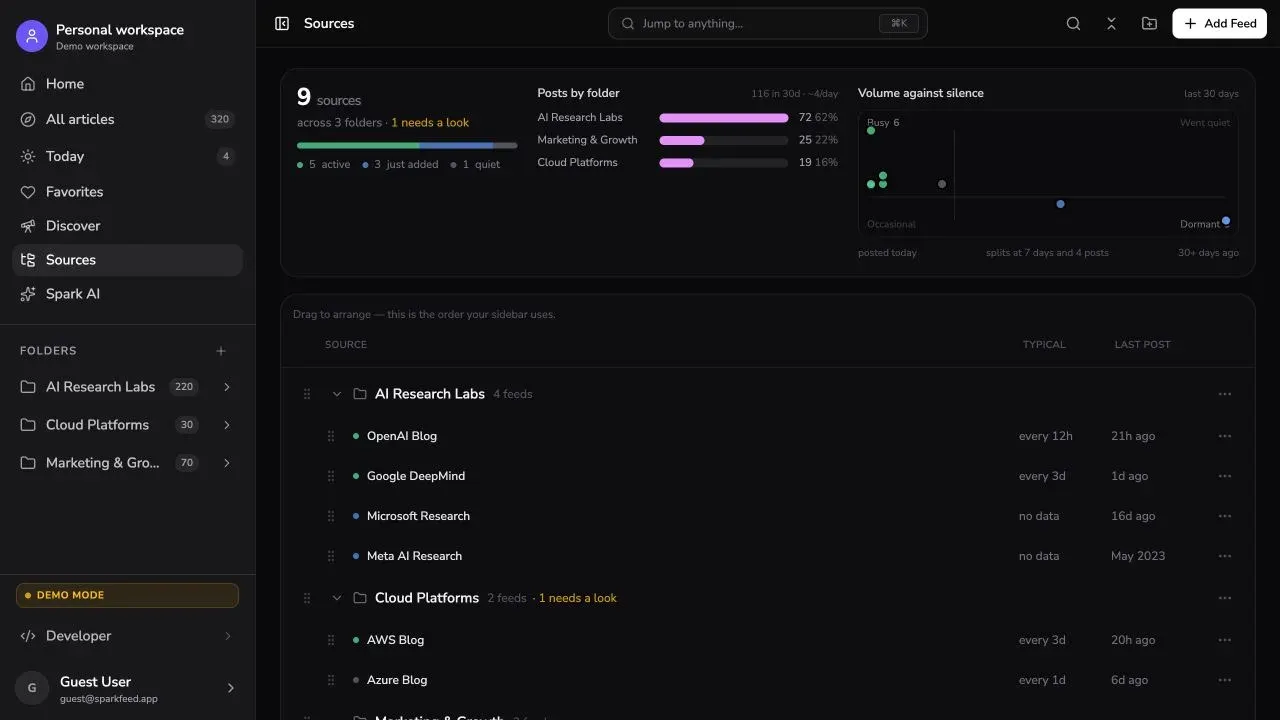

Organize sources into folders for a topic or project. Save articles to Favorites, then share a Pro workspace when other people need the same sources.
See shared workspace detailsRead in the browser or connect an MCP client to a workspace. Hosted API and MCP access starts on Personal+. Community Edition can be self-hosted.
Explore API and MCPPlus 5 active website sources without RSS.
Billed annually at $48. Includes API and MCP access and 50 active website sources.
Billed annually at $96 per member. Shared workspaces include up to 10 paid members.
New accounts start with a 30-day Premium trial.
$3 per month, billed annually. Adds up to 1,024 sites, search, and saved-story tags.
$8.25 per month, billed annually. Adds Web Feeds, full archive, Ask AI, and MCP.
Premium Pro is $29 per month for up to 10,000 sites, 5–15 minute fetching, and regex training.
USD. Sparkfeed Personal+ and Pro prices use annual billing. NewsBlur Premium and Premium Archive are annual; Premium Pro is monthly. New NewsBlur accounts receive a 30-day Premium trial.
List essential feeds, folders, saved stories, training, and Blurblog posts. Export your subscriptions as OPML and keep the file.
Add a small set of feed URLs to Sparkfeed. Add supported website listings separately, since page-change monitoring works differently.
Check article collection, mobile-browser reading, and member access. Keep NewsBlur until the new workspace fits your routine.
Compare a few familiar sources, the team workflow, and the tools you use before moving your collection.
Reviewed October 1, 2026 against NewsBlur’s current pricing, feature, FAQ, API, and open-source pages, plus Sparkfeed’s application and plan configuration. NewsBlur pricing lists a 30-day Premium trial. Sparkfeed website sources collect supported published-article listings; NewsBlur Web Feeds monitor page changes. A full NewsBlur account migration was not tested.