

SparkFeed

Software & technology

Follow software updates,
one source at a time.

Follow public release notes, engineering blogs, company updates, and industry reporting in one reading list. Keep research close to the sources that published it.

A paper collage pairs a grayscale silicon wafer with a small release note, pale blue geometry, and coral circuit marks.
What to follow

Start with where software changes get published.

Bring first-party updates and independent coverage into one reading routine.

Software release notes

Follow published changelogs and product updates from the tools your team uses.

Engineering blogs

Read how product teams and maintainers explain the choices behind a release.

Technology reporting

Pair company updates with coverage from the wider software ecosystem.

A better reading routine

One stack. More than one point of view.

Read product updates alongside the people building the tools and reporting on them.
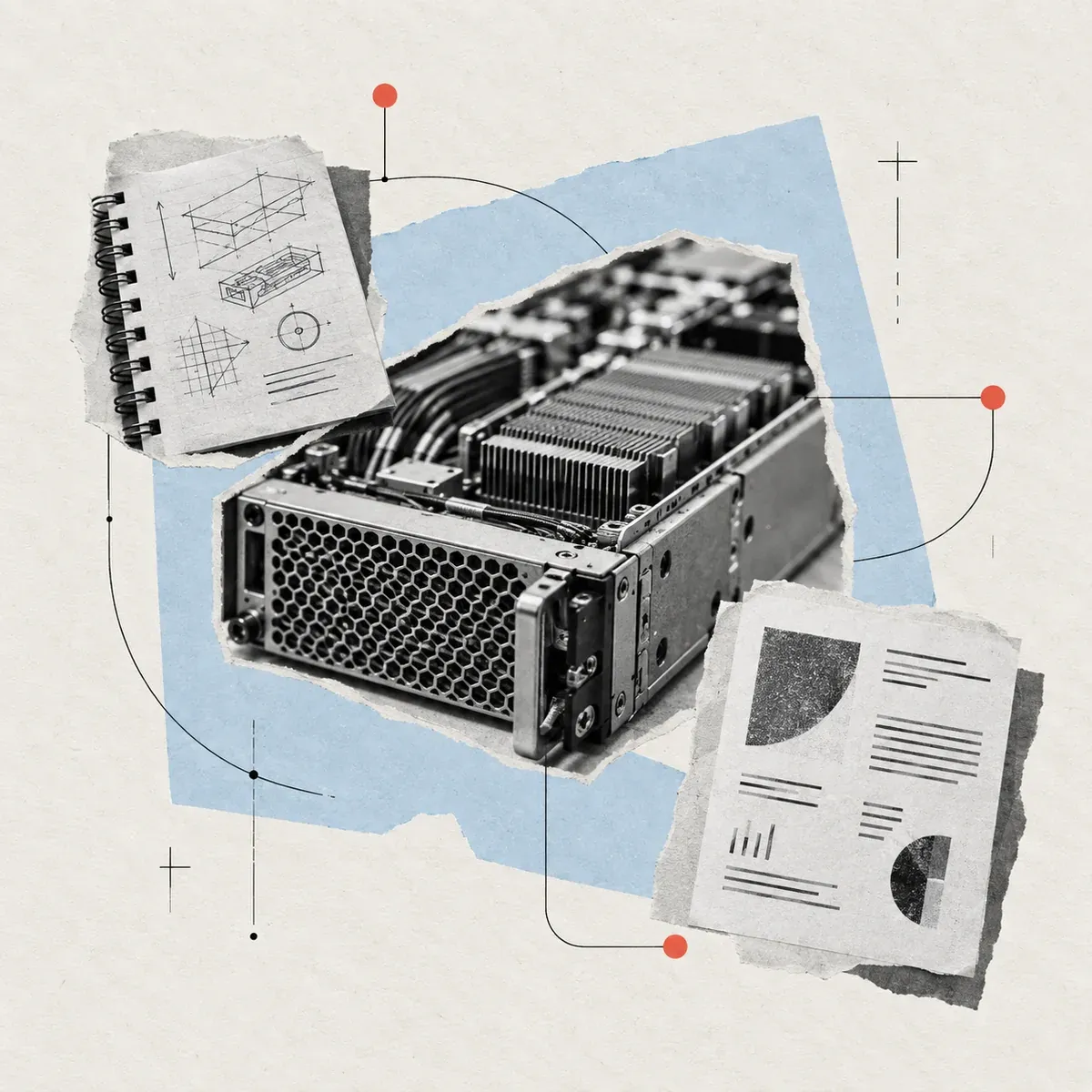
A grayscale server module sits between an engineering notebook and a project update, linked by fine lines on a pale blue collage.

Start with a product or ecosystem.

Follow release notes, maintainer blogs, and the sources that cover them. Check supported public pages when a site has no feed; coverage depends on the website.

  • Official product and project updates
  • Engineering blogs from maintainers
  • Independent industry reporting
Choose your sources

Keep the release and context together.

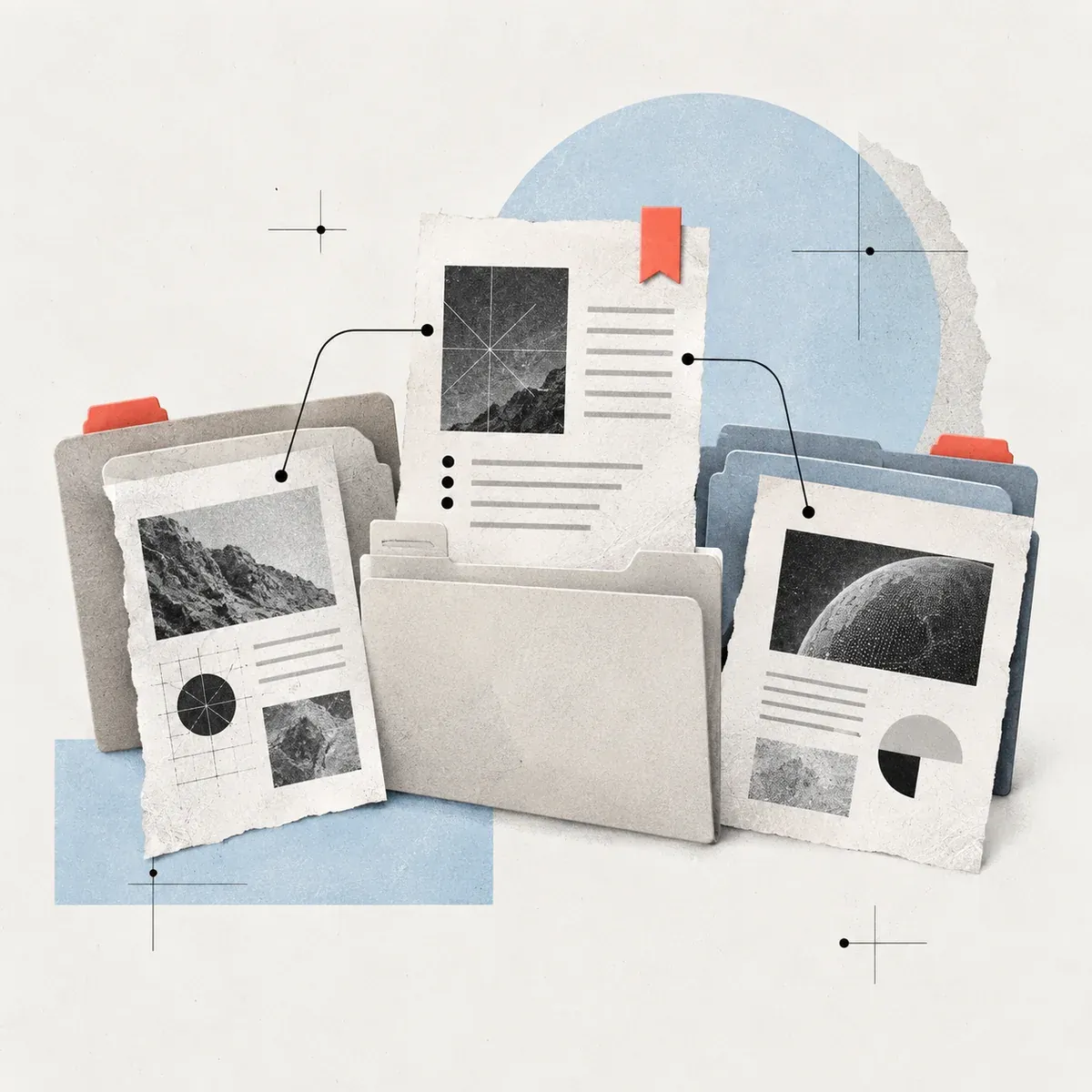
Group sources in folders by product, framework, company, or topic. Save individual articles to Favorites when you want to revisit them.
Product foldersFavorites
See an example release trail
Release sheets and technology articles are gathered in paper folders, with a coral bookmark marking one update to revisit.

See the idea in practice

Read a release from three angles.

This fictional SDK update shows how release notes, engineering posts, and industry reporting can add different context. Your team decides what matters.

A fictional SDK release, read around the edges

A maintainer publishes a new streaming helper. Open each source to see the different context it can add.

Make it a habit

A small routine for a changing stack.

  1. Pick a product or ecosystem

    Start with the tools and frameworks your team depends on.

  2. Follow the original sources

    Add release notes, maintainer blogs, and industry coverage.

  3. Group your reading

    Organize sources by product, company, or technical topic.

  4. Read before you assess

    Open the original and judge its relevance to your own stack.

A clear fit

A reading list for your software ecosystem.

Follow published updates from your stack and check the original before assessing what they mean. Sparkfeed is a reader, not a vulnerability scanner or technical evaluation tool.

01Which software and technology sources can I follow?
Follow RSS or Atom feeds from release notes, engineering blogs, company updates, and industry publications. You can also check supported public pages without a feed. Coverage depends on the website.
02Does Sparkfeed scan code or dependencies for vulnerabilities?
No. Sparkfeed is a reader for published sources. It does not scan repositories, code, dependencies, or systems for vulnerabilities.
03Does it track exact page changes or assess releases automatically?
No. Sparkfeed collects published articles and updates. It does not compare page versions or automatically assess technical impact.
04Can I organize updates by product or ecosystem?
Yes. Group sources in folders by product, framework, company, or topic. Save individual articles to Favorites when you want to revisit them.
05How should a technology team get started?
Choose one product or ecosystem and a few public sources. Check that they return the updates you need, then build out your reading list. Explore the live demo.