All your contentOne placeZero noiseFull controlNo tracking
Any website becomes a live feed. Subscribe to everything you care about, organize it your way, and share it with your team.

Protect your attention, not hijack it
Folders, Spark AI, real-time feeds, and team sharing — built to keep you informed, not consumed.
OpenAI announces next-generation reasoning model
Show HN: We built a privacy-first feed reader
Apple's new feature will change how you browse
Introducing Copilot Workspace for all developers
Your daily feed
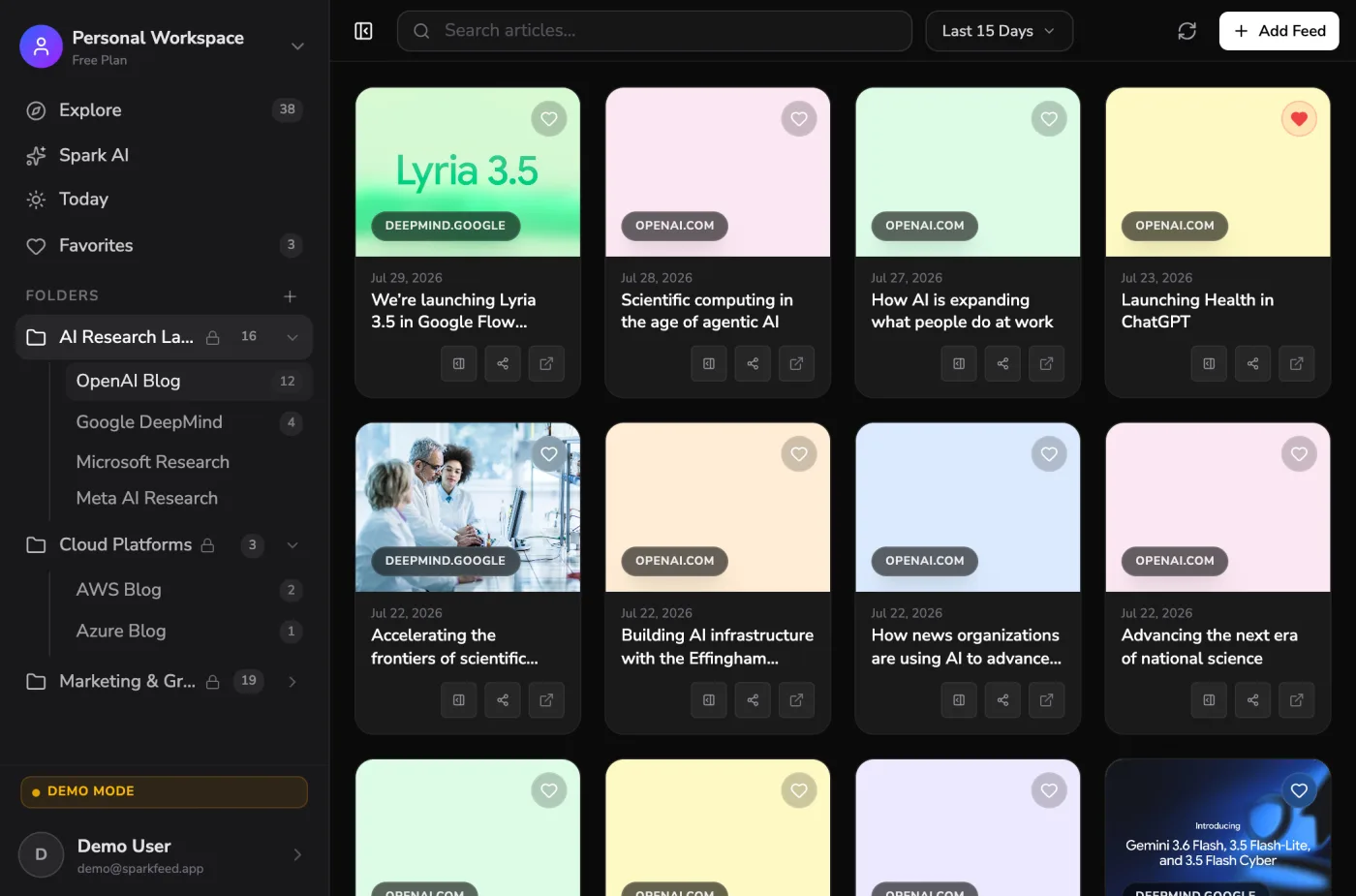
Every article from every source you follow, in one clean list — timestamped, organized, and waiting for you.
Follow any website
Paste any URL and SparkFeed turns it into a live feed — with or without RSS. If it publishes, you can follow it.
"What's trending in AI this week?"
Spark AI
Ask questions about your feeds. Get instant summaries. Let AI do the reading while you focus on what matters.
Smart Folders
Organize feeds by topic, project, or team. Your content library, structured exactly how you think.
Show HN: We built an open-source feed reader...
OpenAI announces new reasoning model for...
Apple's next release will feature smarter...
Always current
New articles appear the moment they're published. Never miss a story from sources that matter to you.
Built for the way you work
From marketing teams tracking competitors to builders piping feeds into AI — SparkFeed adapts to how you turn content into an advantage.
Track competitors, publications, and trends in one shared workspace. Route new mentions to Slack and let Spark AI brief you on what changed.
Rival · Pricing
Enterprise plan price raised to $99/mo
Competitor · Blog
Shipped AI summaries to all users
Industry · The Verge
New regulation lands for the category
Get set up in three steps
Point SparkFeed at what you care about, shape it into folders, then read and share. That's the whole setup.


1. Add any source
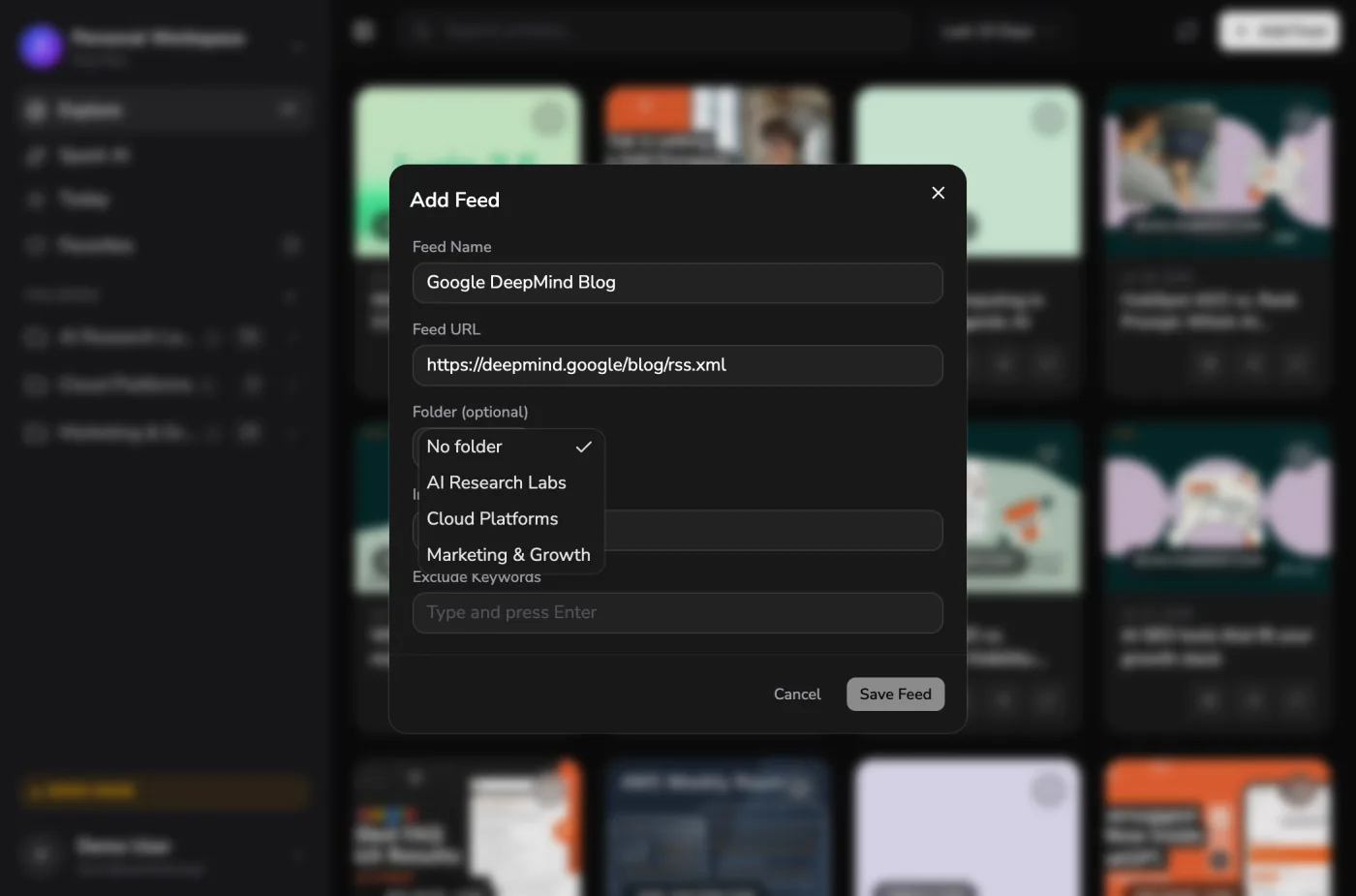
Paste an RSS feed or any website URL and SparkFeed starts pulling in content instantly, even from sites with no feed. Switching readers? Import everything at once with OPML.


2. Organize it your way
Group sources into folders, nest them by topic or project, and set keyword filters so only the articles that actually matter reach you.


3. Read, ask, and share
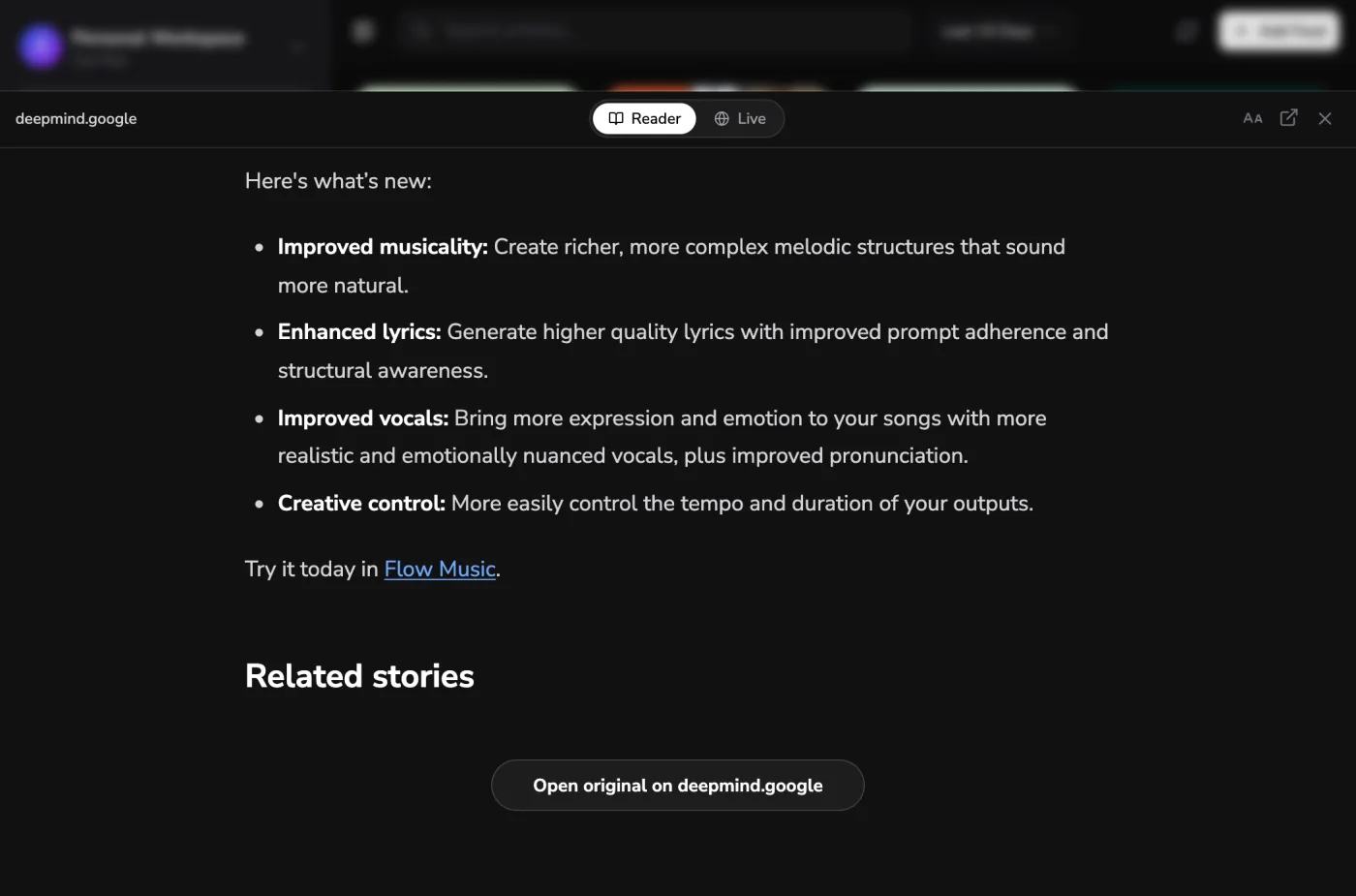
Catch up in a clean Today view, ask Spark AI to summarize what's new, and share any folder with your team in a single click.
What's coming to SparkFeed
A glimpse at what we're building next, from automation to AI you can plug straight into your stack.
Push updates anywhere
Send new articles straight to Slack, Notion, or any endpoint the moment they publish. Wire SparkFeed into the tools your team already lives in, with no glue code in between.
Start free, upgrade when you need more
Every plan includes the full reader, unlimited feeds and folders. Paid plans add team workspaces, MCP and API access, and Spark AI credits.
Runs on
Home server
NAS
VPS
Your laptop
Why teams choose SparkFeed
See how SparkFeed compares to the readers and scattered tabs most people use to keep up with content.
Other readers
- Only works with RSS feeds
- Just a list, no AI
- Closed and proprietary
- Sells your reading data
- Clunky and dated
- Hard to move your sources
- Built for solo reading only
SparkFeed
- Follows any site, feed or not
- Spark AI summarizes what's new
- Open source and self-hostable
- Zero telemetry, private by default
- Fast, clean, and modern
- OPML in and out, anytime
- Shareable team workspaces
Everything you need to know
Quick answers about how SparkFeed works, from any-site feeds to privacy and self-hosting.
Ideas that move teams forward
Explore practical guides, product updates, and strategies to help you build, scale, and move faster.
Smarter workflows start here
A better way to manage, automate, and scale everything your team does.