

Consider Sparkfeed when…
- You want feeds and supported website articles in one organized collection.
- You need a shared source workspace alongside your personal reading.
- You want self-hosting or official workspace access through API and MCP.
Inoreader alternative
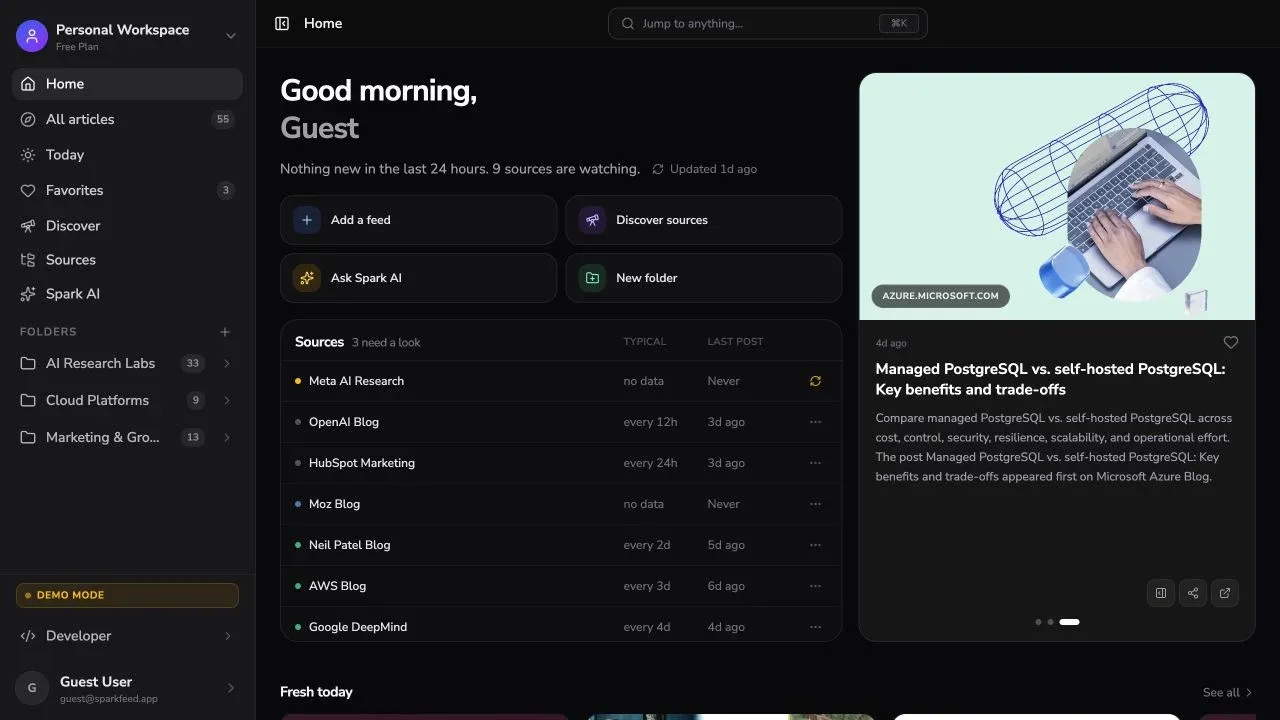
Sparkfeed is an RSS reader with unlimited feeds and folders on its free plan. Follow supported websites, save research, and choose a hosted or self-hosted setup.
By Sparkfeed · Reviewed October 1, 2026
| Your requirement | Sparkfeed | Inoreader |
|---|---|---|
| RSS subscriptions | Free includes unlimited RSS and Atom feeds. Personal workspaces also have unlimited folders. | Free includes 150 RSS feeds. Pro raises the limit to 2,500 feeds. |
| Websites without RSS | Follow article listings on supported websites. Free allows 5 active website sources; Personal+ allows 50. | Pro includes 20 web feeds and visual or text change tracking. Check the site you need before moving. |
| Newsletters and other sources | RSS, Atom, and supported website listings. | Inoreader includes newsletter and social feeds, YouTube sync, podcasts, and Google News alerts. Check the plan limits for each source type. |
| Rules and filters | Organize sources into folders and save articles to Favorites. | Pro includes 30 rules and 50 filters for article workflows and feed filtering. |
| Shared research | Pro provides shared sources and folders for up to 10 paid members. Personal workspaces stay separate. | Team plans add shared folders, channels, dashboards, comments, and shared feature pools. |
| API and MCP | Official API and MCP access starts with Personal+ for hosted workspaces. Pro includes both for team workspaces. | Inoreader documents API access for Pro and Team use. Its public pages reviewed here do not document an official MCP server. |
| Hosting and mobile reading | Use the hosted service or run the AGPL Community Edition. Read in a mobile browser. | Inoreader is hosted and has iOS and Android apps with offline reading. |
| Moving subscriptions | Add up to 40 source URLs at once. Recreate folders and keep saved articles separately. | The help center documents importing feeds from another reader. Check which folders and saved items transfer. |
| Requirement | Sparkfeed | Inoreader |
|---|---|---|
| Free RSS capacity | Unlimited | 150 feeds |
| Paid RSS capacity | Unlimited | 2,500 feeds · Pro |
| Websites without RSS | 5 Free · 50 Personal+ | 20 · Pro |
| Change monitoring | Article listings | Visual and text · Pro |
| Rules and filters | Folders and Favorites | 30 rules · 50 filters · Pro |
| Other source types | RSS and supported websites | Newsletter and social feeds · limits vary |
| API access | Personal+ and Pro | Pro and Team |
| Official MCP | Built in · Personal+ | Not documented in pages reviewed |
| Self-hosting | AGPL Community Edition | Hosted service |
| Mobile apps | Mobile browser | iOS and Android · offline |
Notes. Limits and features vary by plan. Sparkfeed website sources collect supported article listings. Inoreader’s web feeds can also monitor visual or text changes. Self-hosting refers to running Sparkfeed’s AGPL Community Edition yourself.
References: Pricing, Team plans, Rules, Web feeds, API, Feed import, and Sparkfeed source.
Bring RSS feeds and supported website listings into one collection. Open an article in the reader or follow its original link. Group sources into folders and return to what matters.
See supported website sources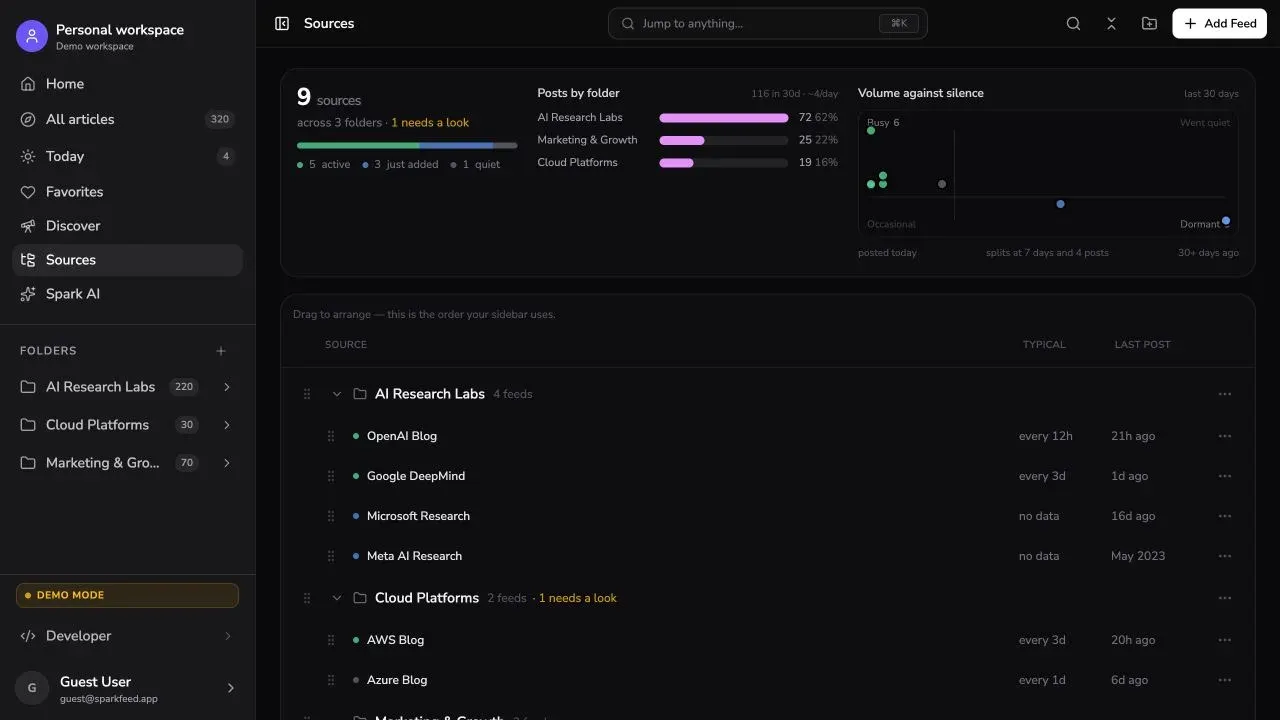

Keep feeds and saved articles organized with folders and Favorites. A Pro workspace adds shared folders and sources when your team needs them.
Explore team workspacesUse the hosted reader with API and MCP access on Personal+, or operate the AGPL Community Edition yourself.
Explore API and MCPPlus 5 active websites without RSS.
Billed annually at $48 per year. Includes API and MCP access and 50 active no-RSS sources.
Billed annually at $96 per member per year. Shared workspaces for up to 10 paid members.
Pro adds rules, filters, web feeds, and change monitoring.
Billed annually at $90 per year. Monthly billing is $9.99. Includes 2,500 feeds, 30 rules, and 50 filters.
Team plans add shared folders, channels, dashboards, and API access.
USD. Sparkfeed plan rates are billed annually. Inoreader Pro is $7.50 per month when billed annually, or $9.99 month to month. The plans include different features.
List the feeds, folders, rules, and saved articles you use. Note any newsletters, social sources, tags, or annotations that need a new home.
Add representative feed URLs to Sparkfeed, up to 40 at once. Recreate folders and test the websites you follow without RSS.
Check new articles, source links, and phone layouts. For a team, test member access. Keep Inoreader available until the new setup meets your needs.
Test familiar feeds, a website source, and your saved-reading routine before you switch.
Published by Sparkfeed. Reviewed October 1, 2026 using Inoreader’s current pricing, help center, developer portal, and Sparkfeed’s plan configuration. Paid Inoreader workflows and library migration were not tested. Prices use USD. Annual prices are shown as monthly equivalents where stated. Self-hosting has separate operating costs.