

SparkFeed

AI agent research

Bring your sources into
AI research.

Connect a Sparkfeed workspace to an MCP client. Let its AI model reason over selected articles, then check the originals.
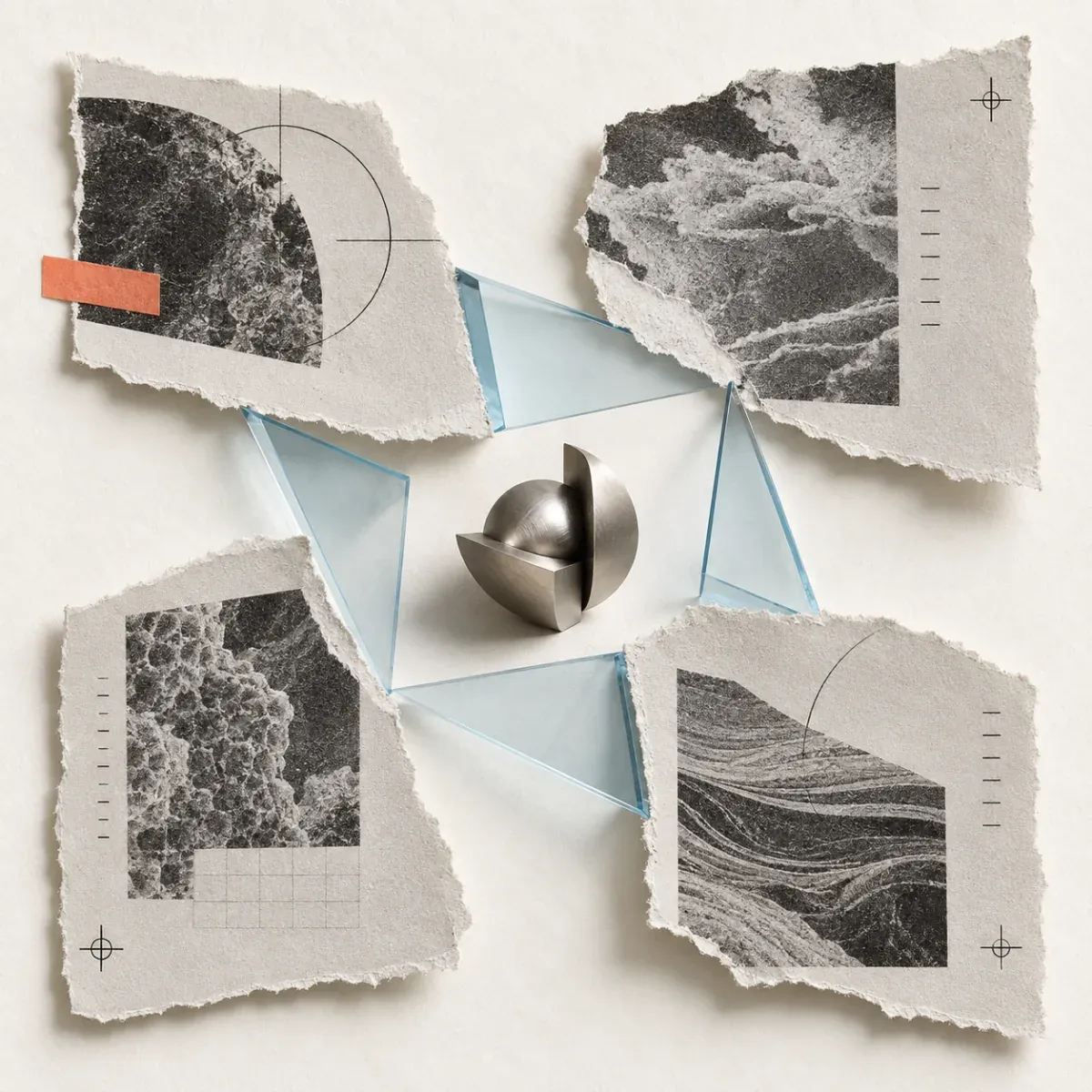
A cut-paper collage of separate research excerpts joined by a pale-blue glass shape around a small metal form.
A source-first workflow

Bring the reading set you trust.

Keep source selection in Sparkfeed and AI reasoning in the client you configure.

Feeds you choose

Bring public RSS, Atom, and supported website sources into one workspace.

A focused collection

Use folders and search filters to bring relevant articles into view.

An MCP client

Give a compatible external client scoped access to workspace content.
A clearer handoff

Useful research starts with useful inputs.

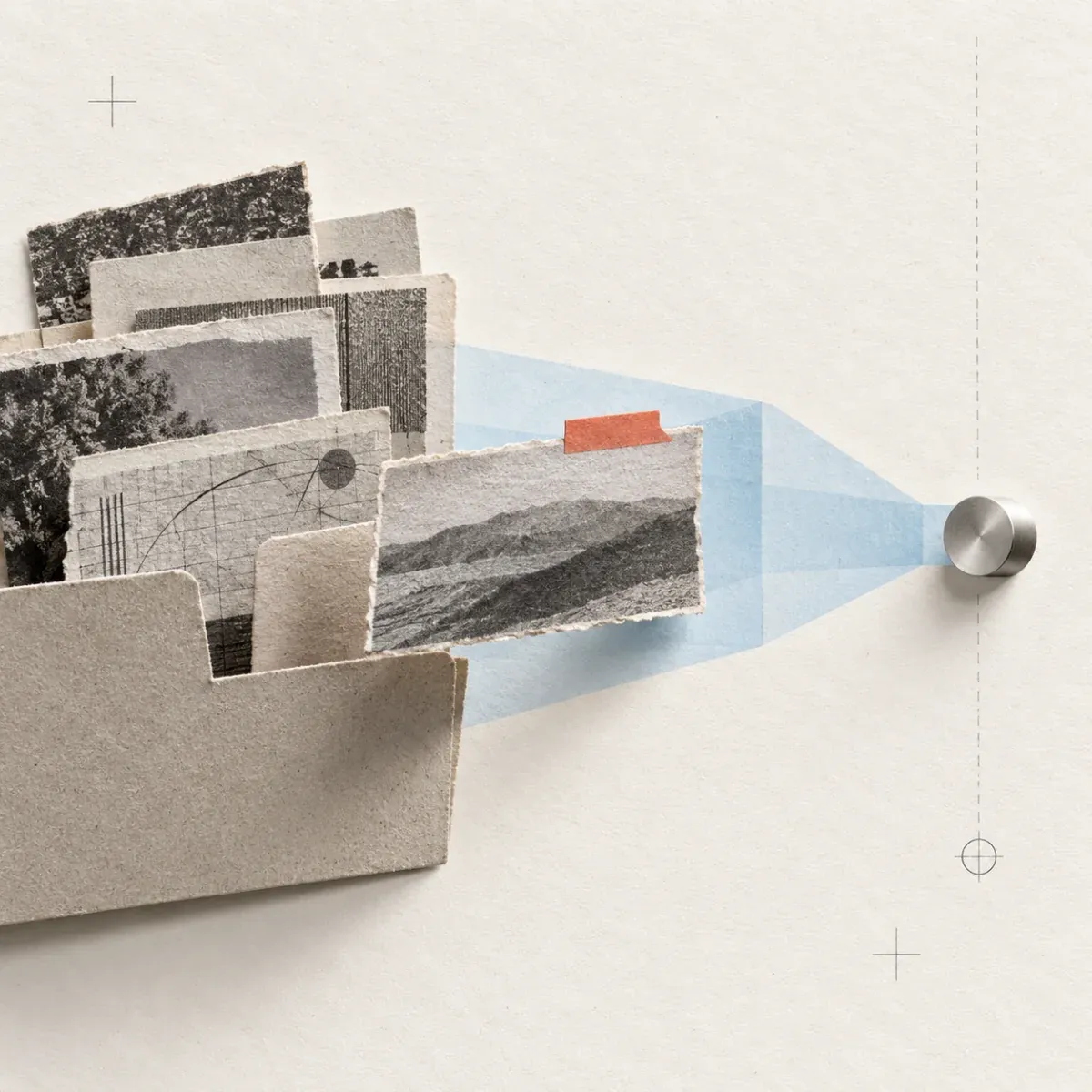
Torn research excerpts gathered in a file, with one coral-tabbed article moving through a pale-blue channel to a small metal connector.

Give an agent a curated starting point.

Organize public feeds into folders. A scoped MCP connection lets a compatible client discover feeds, search article titles and summaries, then request full text for relevant reads.

  • Choose the source set in Sparkfeed
  • Search article titles and summaries
  • Read full text one article at a time
See the source path

Keep access and reasoning distinct.

Sparkfeed provides the workspace material. Your configured AI client interprets it. You review the originals before using an answer in your work.

Sparkfeed: sourcesMCP: connectionYou: verification
Step through an example
A collection of source clippings sits apart from one coral-marked original under a metal reading loupe, with a pale-blue bridge between them.

See the idea in practice

From a source folder to a checked answer.

See how an agent narrows a folder to the articles worth reading.

A sample research question

What changed in product data-retention controls?

Fictional sources, one Sparkfeed folder, and a connected MCP client. Step through what each part contributes.

Sparkfeed · MCP access

A connected client searches the “AI product notes” folder for “data retention”. It can request full text for relevant articles, one at a time.

Illustrative example. No live calls.

Set up the handoff

A small setup. A source-backed review.

  1. Choose the source set

    Group feeds by topic in a Sparkfeed folder.

  2. Create a scoped key

    Allow workspace and article reads for MCP access.

  3. Connect an MCP client

    Add the Sparkfeed endpoint and key to your client.

  4. Ask, then verify

    Review the answer against each original article.

A clear fit

Keep AI research
close to its sources.

Use Sparkfeed to give an MCP client access to selected workspace material. The client reasons; you verify the answer.

01Does Sparkfeed run the research agent?
No. Sparkfeed gives a connected MCP client access to workspace feeds and articles. The client’s model handles the reasoning.
02What can an MCP client read?
With the right scopes, it can see workspace folders and feeds, search article titles and summaries, then request full text one article at a time.
03Can I keep the connection read-only?
Yes. Grant workspace:read and articles:read, and leave write scopes off. The client only sees tools allowed by the key.
04Does Sparkfeed fact-check answers or add citations?
No. The AI client produces its own answer. Open the original articles in Sparkfeed and verify each claim before relying on it.
05What do I need to get started?
A Sparkfeed workspace with MCP access, a scoped API key, and an MCP-compatible client. You configure the connection in that client. Explore the live demo.